
 Fall prevention at the bed
 Fall prevention at the chair
 Wandering prevention
 Personal alarms
 Receivers & Pager2
 Accessories


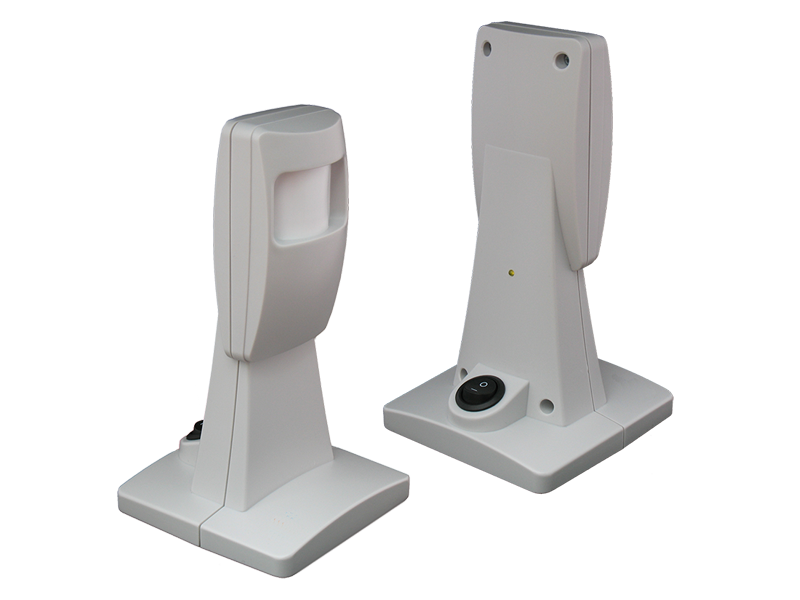
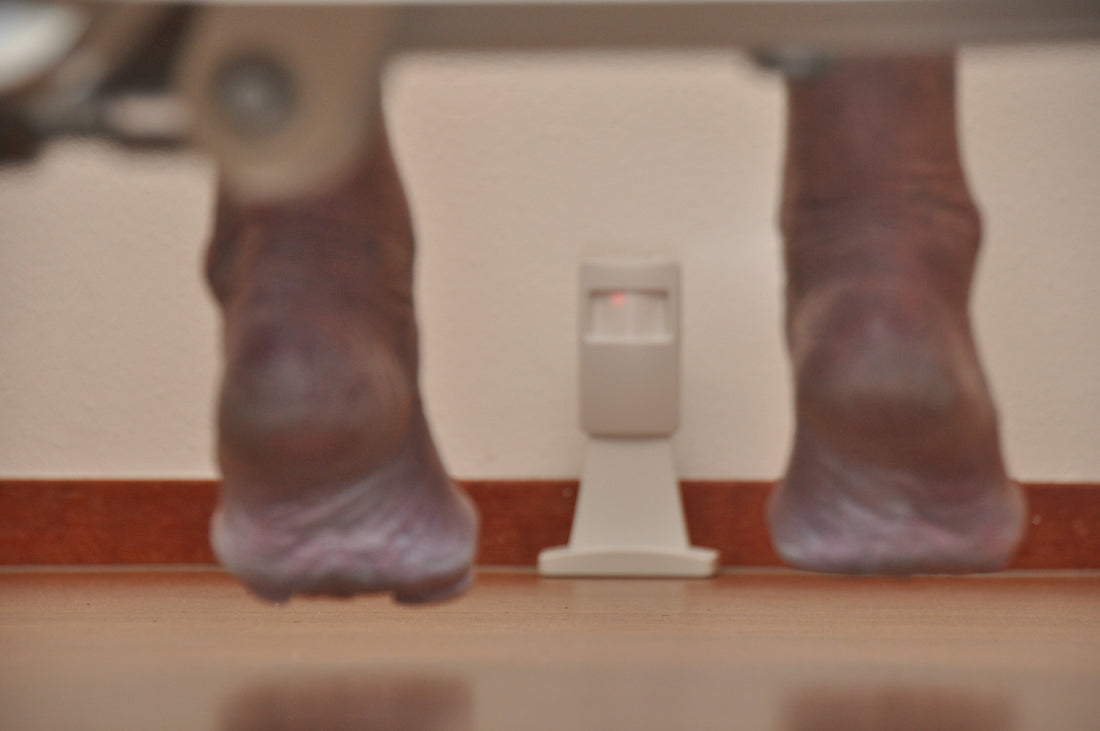

Optiscan bed sensor
Fall prevention at the bed, without a camera
- Early alert when the resident wants to get out of bed
- Privacy-friendly: no camera, no images
- The alternative to physical restraint
- Alerts on any nurse call system or the Daza Pager2
Request a free quote or ask your question. We are happy to advise on the right combination.
Optiscan bed sensor in numbers.
All about the Optiscan bed sensor
For many years, the Optiscan has been the go-to aid for reducing falls. The sensor is placed on the floor, ‘looks’ low across the floor towards the bed at a 90-degree angle over approx. 6 metres and can monitor several beds. As soon as someone starts to get out of bed, a wireless alarm goes to any brand and type of nurse call system or to the Daza Pager2.
- Early alert: the caregiver is often there before the resident is standing
- The alternative to physical restraint
- Privacy-friendly: no camera, no images
- Better insight into night-time behaviour and better monitoring of (sleep) medication
- Wireless and easy to use
More than 100,000 Optiscans have been delivered worldwide. The Optiscan is available in several versions (including one with a 15-second activation delay).
When to use it?
For residents at risk of falling who get out of bed unaccompanied at night, for night-time restlessness or wandering, and when you want to avoid physical restraint. Also valuable for better insight into night-time behaviour and better monitoring of (sleep) medication.
Connecting and installing
All Daza transmitters communicate wirelessly with Daza receivers. You connect the receiver with a cable to any brand and type of nurse call system, or use it acoustically. Alerts can also go directly to the Daza Pager2.

See the Optiscan bed sensor in action.
In one minute you will see how it works in practice and how the alert reaches the caregiver.
Detect, alert, act.
Every Daza product is part of one wireless system: sensor, receiver and an alert to the caregivers.
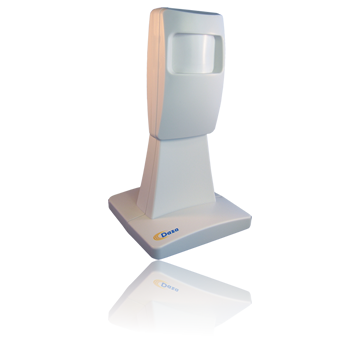
The sensor detects
Optiscan, Bedscan, Optiseat, door contact or transmitter signals that a resident is leaving the bed, the chair or the room, or needs help.
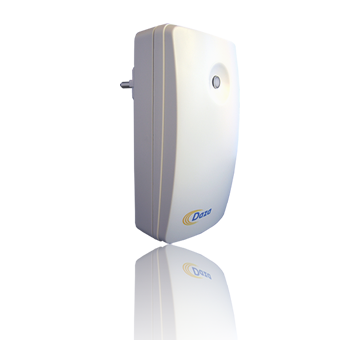
Wireless to the receiver
The receiver passes signals wirelessly to the existing nurse call system. No nurse call system? Stand-alone alerting is also possible.
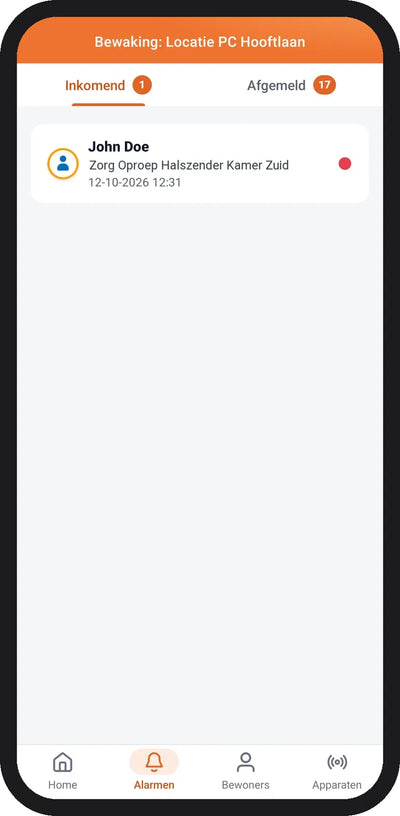
Act in time
The care professional receives an alert immediately and can provide fast, targeted support.
Works with any brand and type of nurse call system. No nurse call system? Then you can also receive the alert directly on a smartphone with Daza Connect.
Complete your system.


One receiver + one sensor: simple and affordable

Portable receiver with display, for 16, 32 or 64 alarm transmitters

Up to 16 transmitters, connects to any nurse call system
Good to know.
Call +31 165 599 388 or email info@daza.nl. We reply within 1 working day.
Does this work with our nurse call system?
Yes. Daza receivers connect to any brand and type of nurse call system with a connection cable, or give an acoustic signal. No nurse call system? Then alerts go directly to the Daza Pager2.
How do I request advice or a quote?
Click Request a quote: the product will already be selected in the form. Prefer advice first? Choose Contact us. You can also call +31 165 599 388.
What is the difference between a 40-series set and the universal receiver?
A 40-series set consists of one simple receiver and one sensor and is more affordable, but cannot be expanded afterwards. The universal receiver pairs up to 16 transmitters and is fully configurable with DAZA Tools.
Where can I find the manual or software?
All manuals and DAZA Tools are on the Downloads page.
Product faulty or in need of repair?
Download the repair form and send the product to Daza B.V., Vlierwerf 1, 4704 SB Roosendaal, the Netherlands.